A weekly class timetable anyone can browse, where members sign in and book the sessions their plan unlocks.
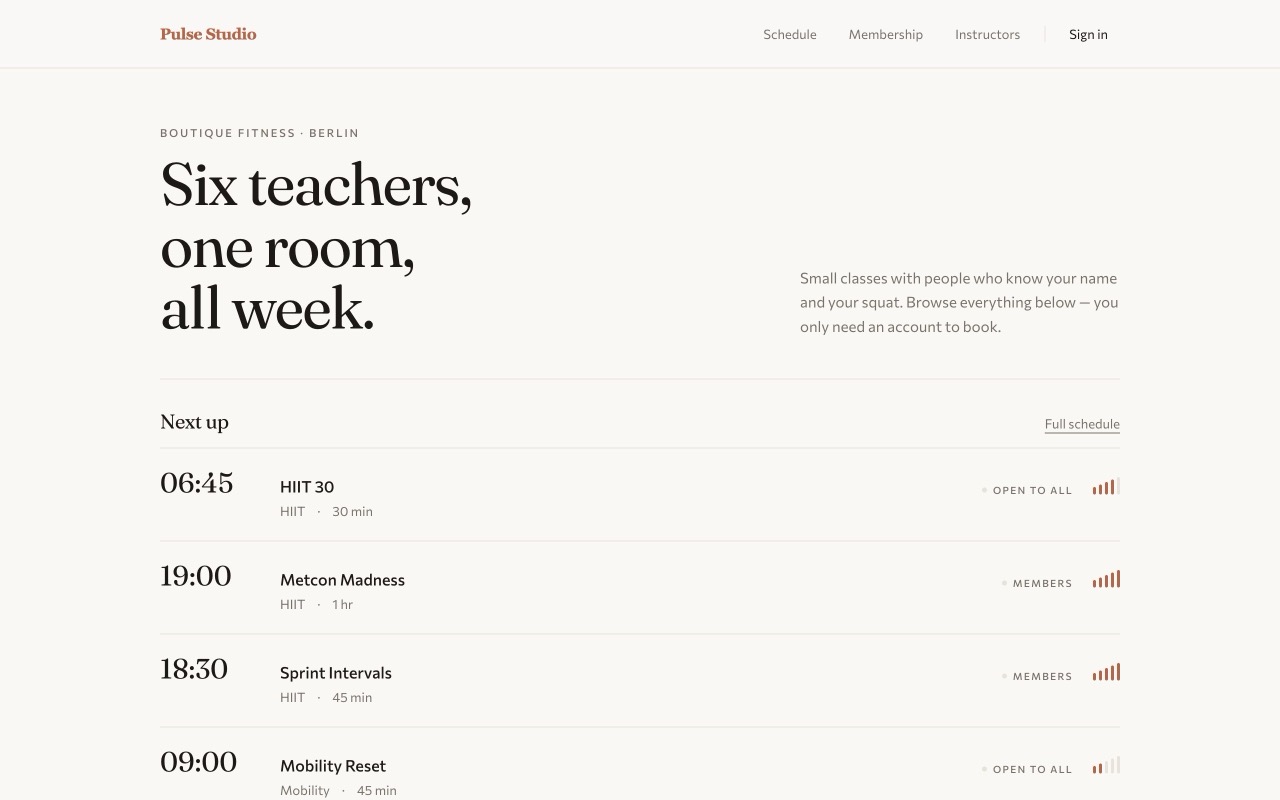
This is a real class-booking site — a weekly timetable anyone can look through, with a members' sign-in that lets people book the sessions their membership covers. Every class, schedule slot and enrollment is a record in the Airtable base linked below, updated live.
A class schedule is a natural fit for Airtable: it's a grid your studio or school already maintains. The hard part is turning that grid into a site where members log in, see only what their plan unlocks, and book a place — while the base stays private and a full class can't be over-booked.
What it takes to build one
- A public timetable, a members-only action. Anyone can browse the week; only a signed-in member can book, and what they can book depends on their plan — see Airtable authentication.
- Enrollment written back to your base. A booking becomes a row against that class, so your roster in Airtable is always current — no export, no reconciliation.
- Places that can't oversell. A capacity check runs on each booking, and when a class fills, the timetable reflects it right away — see real-time sync.
- Your key never in the browser. The Airtable credential lives server-side, so the timetable is public but the base is not — see secure token storage.
How the data stays in Airtable
Your team runs the schedule in Airtable — adding classes, setting capacities, managing plans — and the site tracks those changes as they happen. Bookings land back in the base as enrollments, so the record of who's in each class lives where the rest of your operation already does. Open the base behind this demo to see the classes and enrollments the app reads and writes.
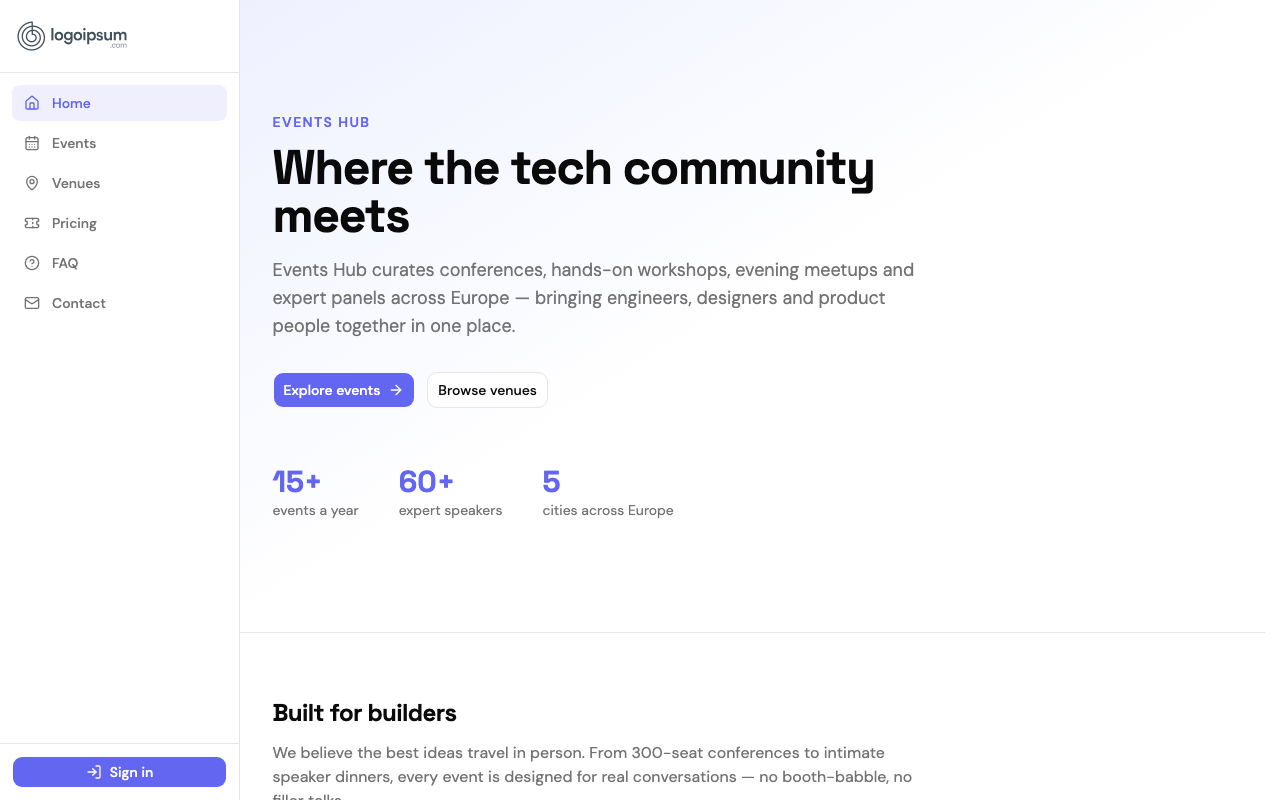 Events system
Build an event management system with Airtable
A live events portal where visitors browse sessions and register, backed entirely by an Airtable base.
See how it's built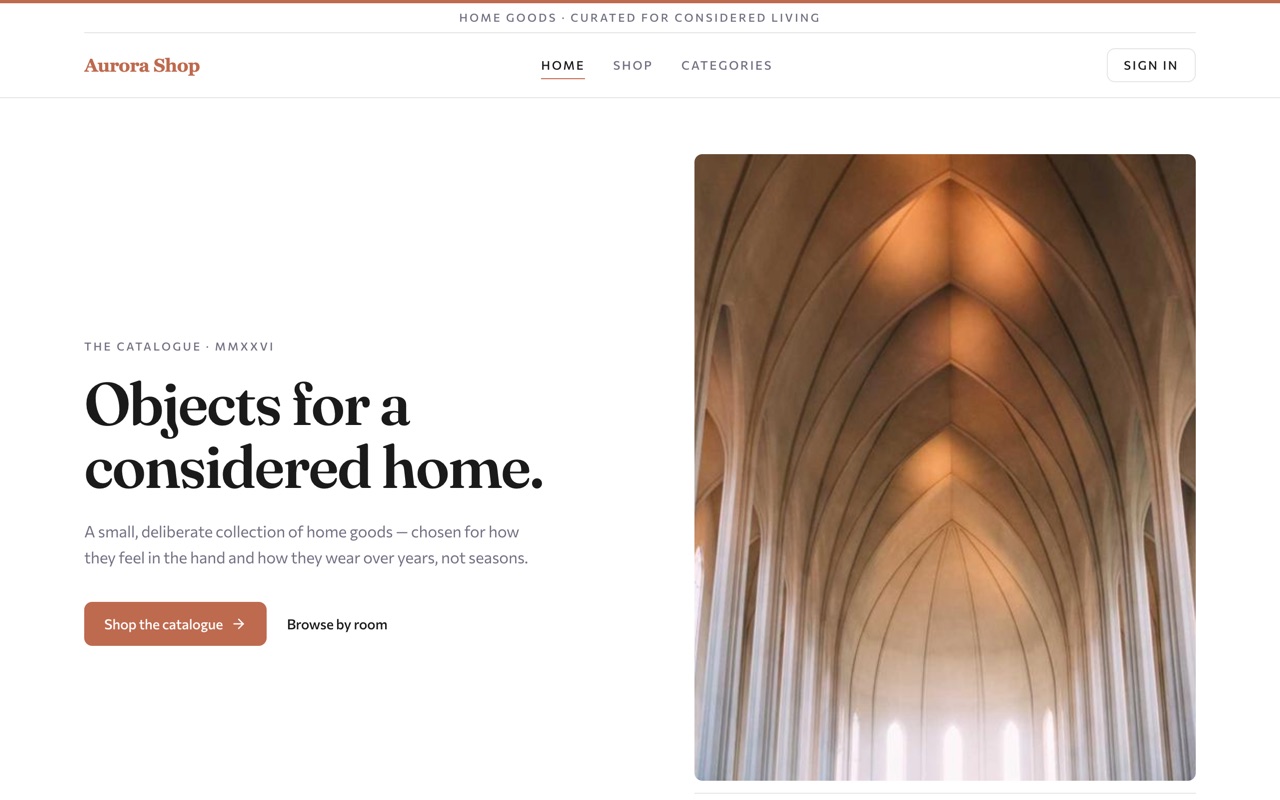 Online store
Build an online store with Airtable
A storefront with live stock, customer accounts and orders — with the whole catalogue kept in Airtable.
See how it's built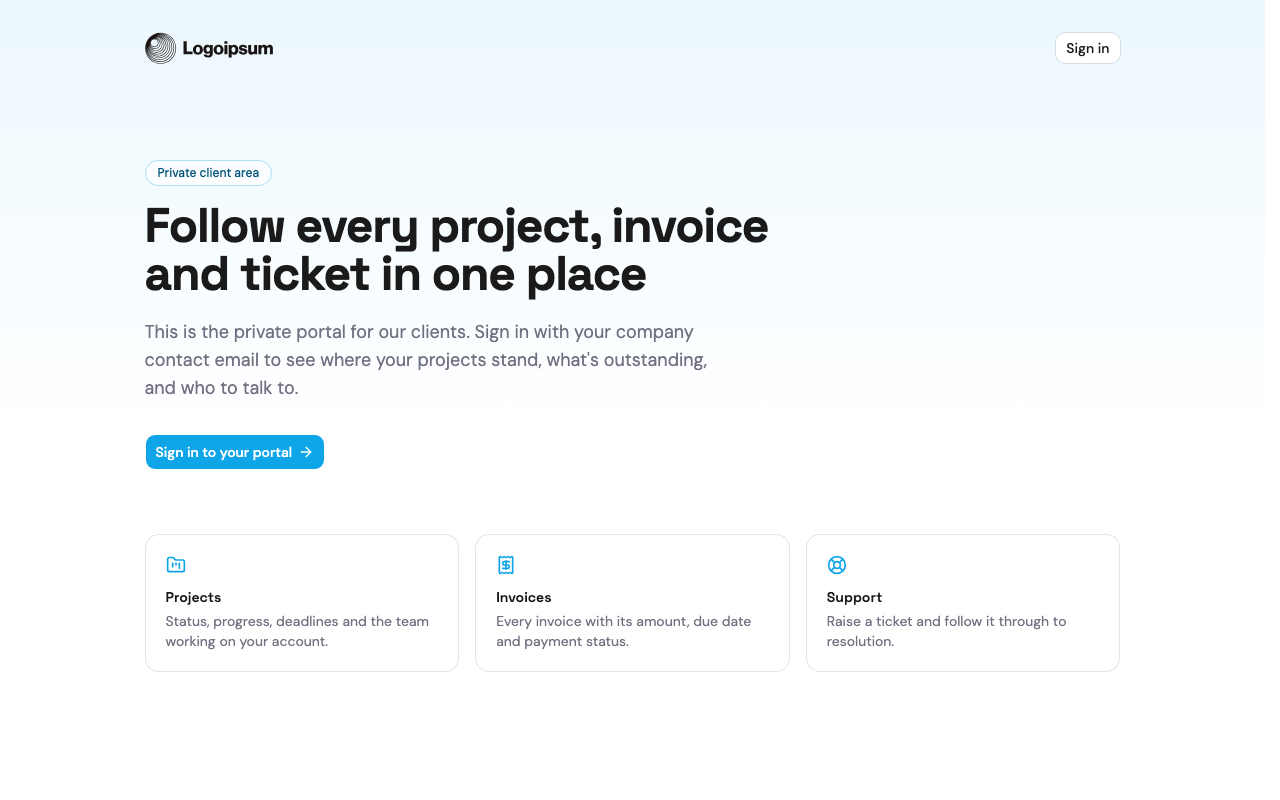 Client portal
Build a client portal with Airtable
A secure, role-gated portal where clients see only their own projects and invoices, run on Airtable.
See how it's builtBuild this on your own base
Connect your Airtable base, hand the prompt to your agent, and ship it.