A private portal where each client signs in to follow their own projects, invoices and support tickets.
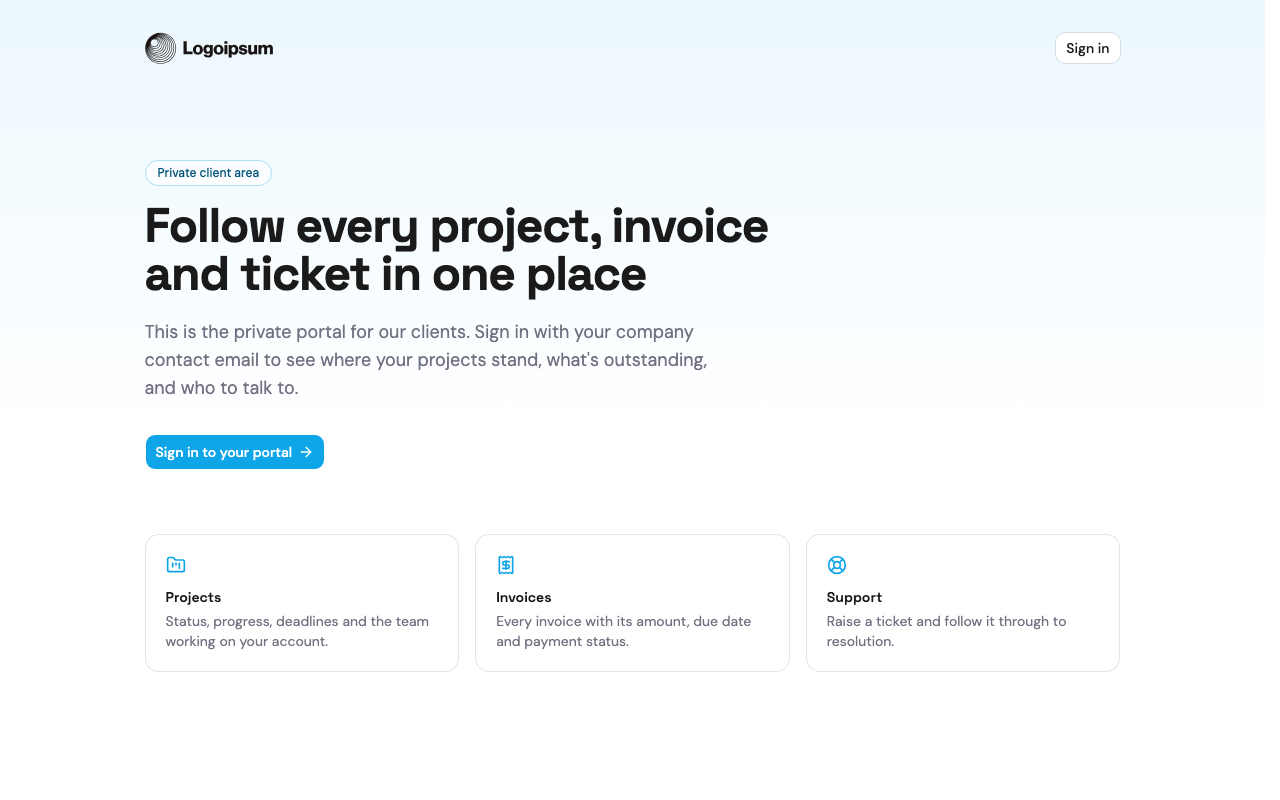
This is a real client portal — each client signs in and follows their own projects, invoices and support tickets, and sees nothing that belongs to anyone else. Every project, invoice and ticket is a record in the Airtable base linked below, and the portal reads and writes it live.
Agencies and service teams already track this work in Airtable. The leap to a portal is entirely about trust: a client must see their own records and only their own, the moment their access changes it has to take effect, and none of it can depend on hiding rows in the front end.
What it takes to build one
- Access scoped to the person. Sign-in maps to a client record, and every read is filtered to what that client owns — enforced server-side, so it isn't something a curious visitor can poke past. See Airtable authentication.
- Access that changes in real time. Edit a client's row and their view updates; remove it and they're signed out — see real-time sync.
- The base stays invisible. The API key never reaches the browser, so the portal is on the public web but the base behind it is not — see secure token storage.
- An audit trail. Every request through the portal is logged, so you can see who accessed what — see request logs.
How the data stays in Airtable
Your team runs the work in Airtable — projects, invoices, tickets — and the portal shows each client their slice of it, live. Anything clients submit comes back as records, so your base stays the single source of truth. Open the base behind this demo to see the tables the portal reads and writes.
 Events system
Build an event management system with Airtable
A live events portal where visitors browse sessions and register, backed entirely by an Airtable base.
See how it's built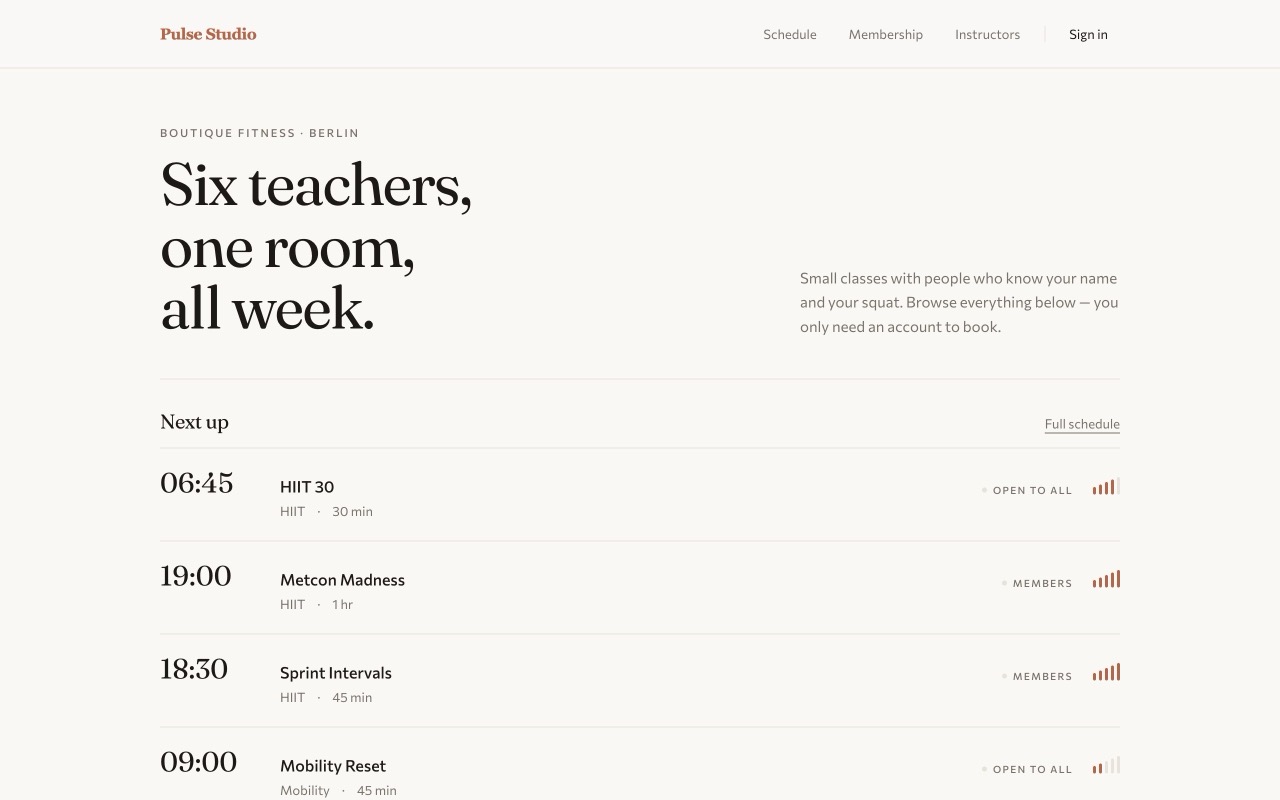 Class enrollment
Build a class enrollment system with Airtable
A class booking site where members enroll in the sessions their plan allows, run entirely on Airtable.
See how it's built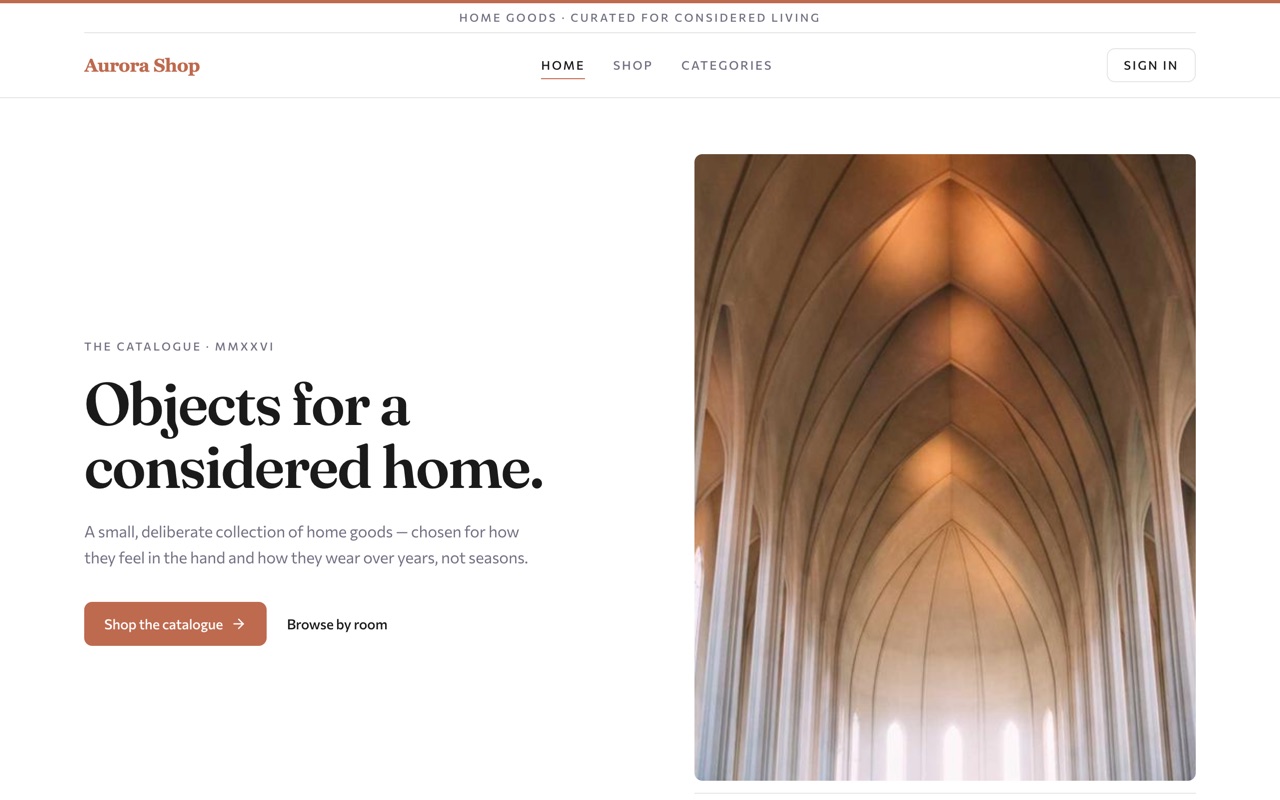 Online store
Build an online store with Airtable
A storefront with live stock, customer accounts and orders — with the whole catalogue kept in Airtable.
See how it's builtBuild this on your own base
Connect your Airtable base, hand the prompt to your agent, and ship it.